Quote it. Bill it. Get paid. From your phone.
Invoio sends estimates your customers can accept with one tap, turns them into invoices, collects deposits, bills repeat customers on schedule and shows them exactly how to pay you by Zelle, card link or check.
Everything a small business bills with. Nothing it doesn't.
Bakeries, contractors, cleaners, caterers and consultants use the same handful of things every week. Invoio does those well, on the phone you already carry.
Estimates customers accept online
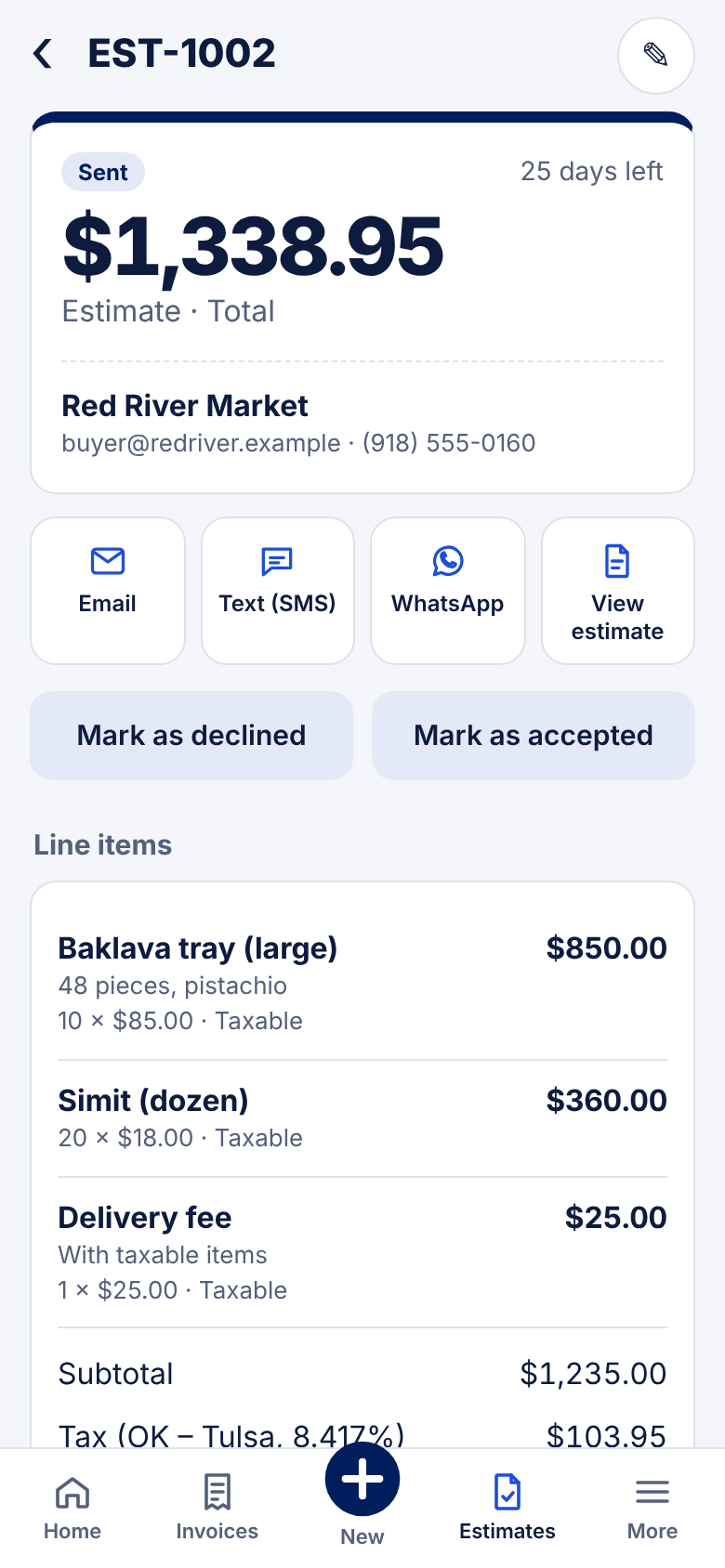
Send a quote by email, text or WhatsApp. Your customer opens it, types their name and accepts. It becomes an invoice automatically.
Deposits up front
Ask for 50% or a fixed amount when the quote is accepted. The final invoice subtracts it after tax, so the math is always right.
Recurring invoices
Weekly, every two weeks, monthly, quarterly or yearly. Send automatically or create drafts to review. Pause anytime.
Sales tax, every state
Pick a state, add the local rate, done. Mix taxable and non-taxable lines. The monthly report splits tax by jurisdiction for filing.
Reminders that send themselves
Every morning Invoio sends scheduled invoices, friendly reminders before the due date and polite follow-ups when one is late.
Month-end report
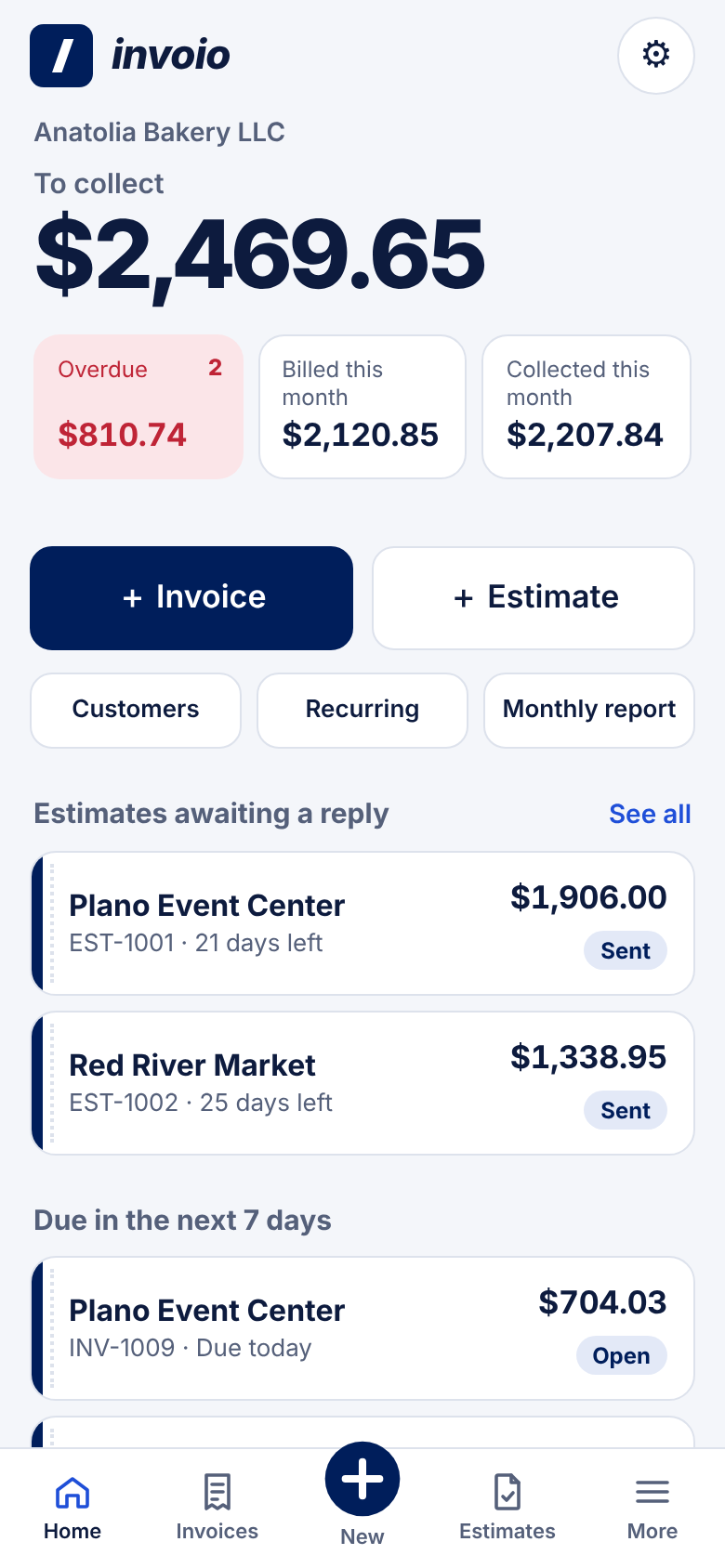
Sales, collections, tax by jurisdiction, overdue balances and quote win rate, as PDF and CSV in your inbox on the 1st.
From "how much?" to paid, in four steps
The whole job lives in one place, so nothing gets typed twice.
Send the estimate
Pick the customer and items from your list. Add a deposit if you need one. Send by email or text.
They accept
Your customer taps the link and accepts from their phone. You get notified right away.
Deposit, then invoice
The deposit invoice goes out instantly. The final invoice is ready as a draft, with the deposit already deducted.
Mark it paid
Record Zelle, card, check or cash payments. Partial payments and balances are tracked for you.
Show customers exactly how to pay you
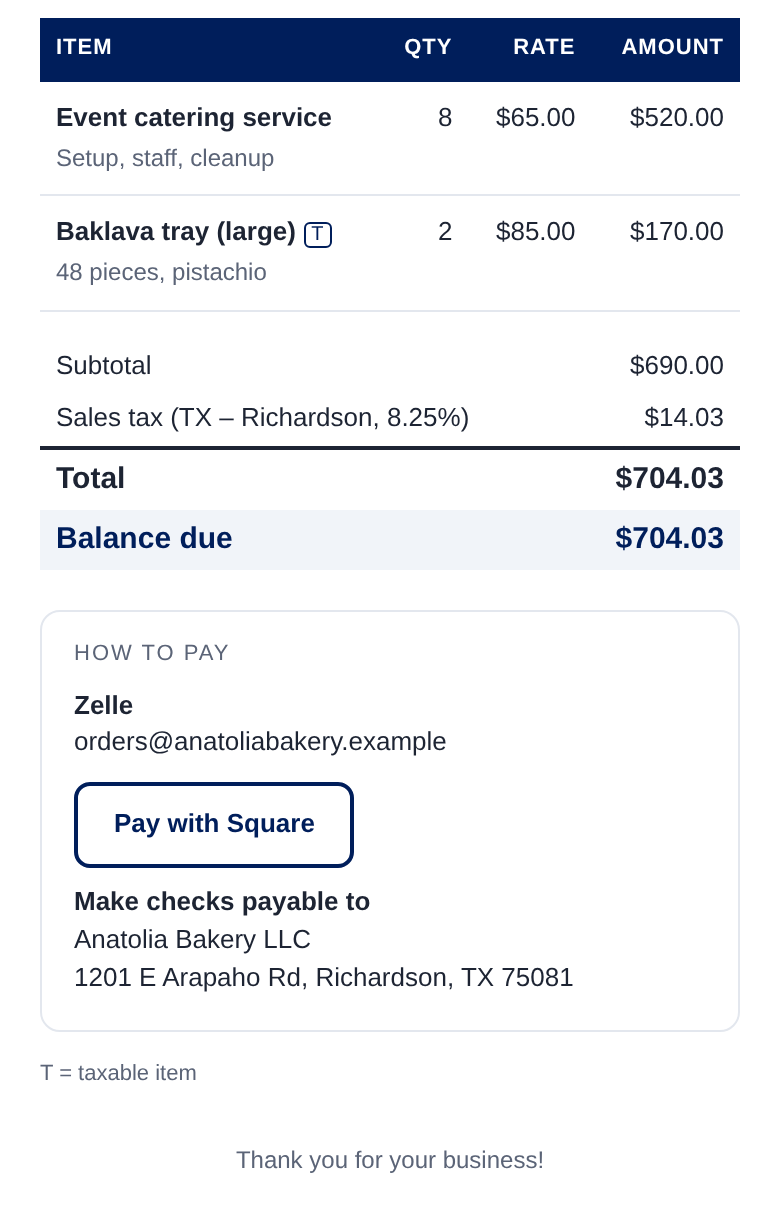
Add your own payment options once. Every invoice gets a clear "How to pay" box, and the money goes straight to you.
- Zelle with your email or phone, plus your bank's Zelle QR code on the invoice page and PDF
- Pay now button for your Square, Stripe, PayPal or Venmo link
- A different payment link per invoice when you need one
- Bank transfer details and "make checks payable to"
- No processing fees from Invoio. We never touch your money.
Your books stay yours
Each business gets its own Google Sheet and Drive folder. Invoio is the app on top. There is no shared database holding your customers.
- Customers, invoices, payments and PDFs saved in your Google Drive
- Open the Sheet any time, export it, or hand it to your accountant
- Emails go out under your business name, replies come to you
- Installs on iPhone and Android: just add it to your home screen
- Secure customer links that only open the one document they were sent
Questions
Short answers. If yours isn't here, just ask.
Do I need to download anything?
No. Open app.invoio.us on your phone and choose "Add to Home Screen". It works like an app without the app store.
Can my customers pay by card?
Yes. Paste your Square, Stripe, PayPal or other payment link into Invoio and a "Pay now" button appears on your invoices. Card fees are whatever your provider charges; Invoio adds none.
How does Zelle work with Invoio?
Add your Zelle email or phone and, if you like, upload the Zelle QR code from your bank's app. Customers see it on the invoice and pay from their own bank. Then you mark the invoice paid in Invoio.
Can I text invoices?
Yes. Tap Text or WhatsApp and your phone opens a ready-to-send message with the invoice link. Automatic reminders go by email.
Which states' sales tax does it handle?
All 50 states plus D.C. State rates are built in. You add your local rate once, and each invoice keeps the rate it was issued with.
Where is my data stored?
In a Google Sheet and Drive folder that belongs to your business. Invoio doesn't keep a copy on its own servers.
See it with your own items
Try the demo right now with sample data, or tell us about your business and we'll set Invoio up for you.